
Invoices that look like you, in any currency.
Send invoices and quotes in your customer's currency and language, let the recurring ones send themselves, and see at a glance what is paid.

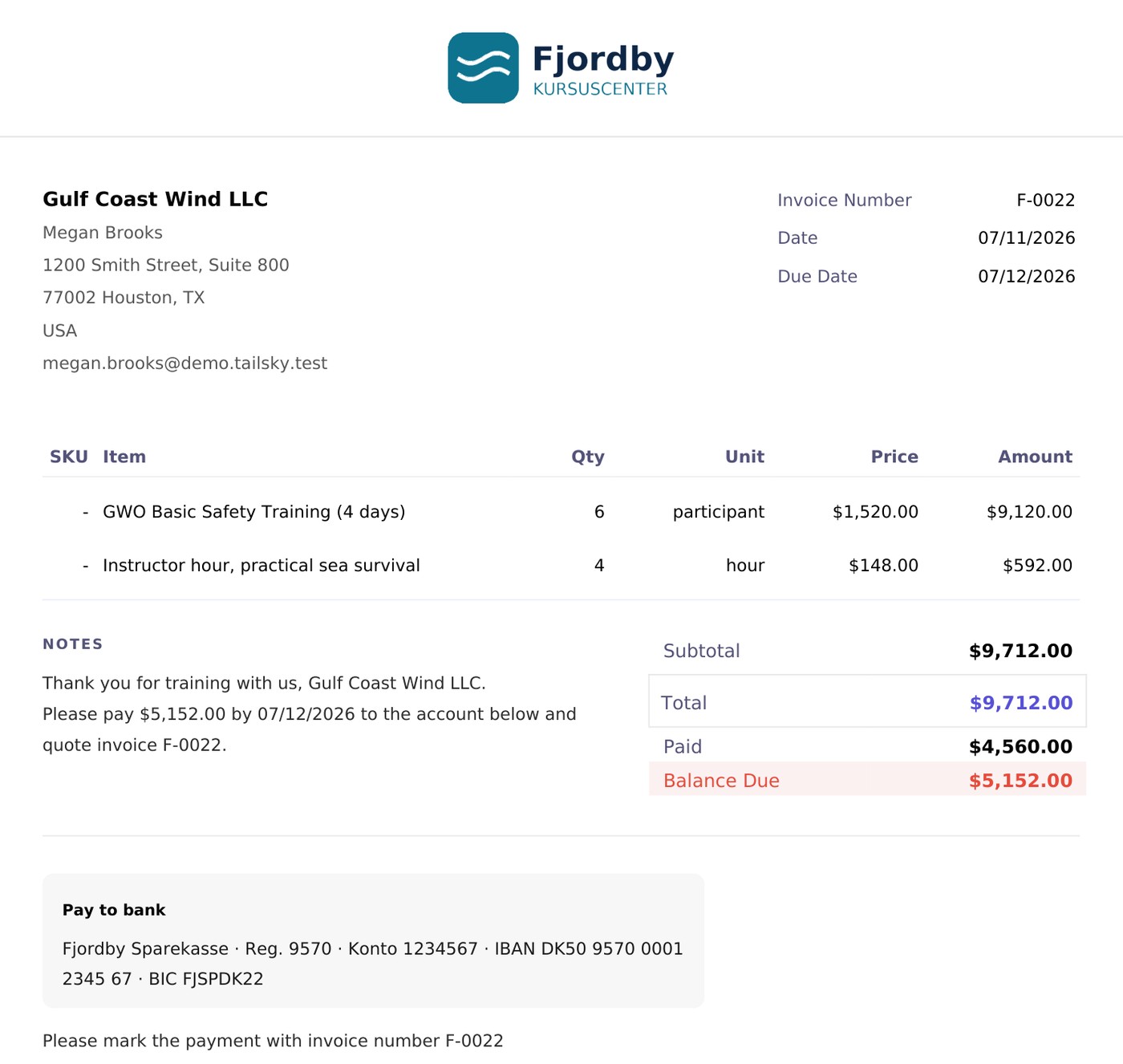
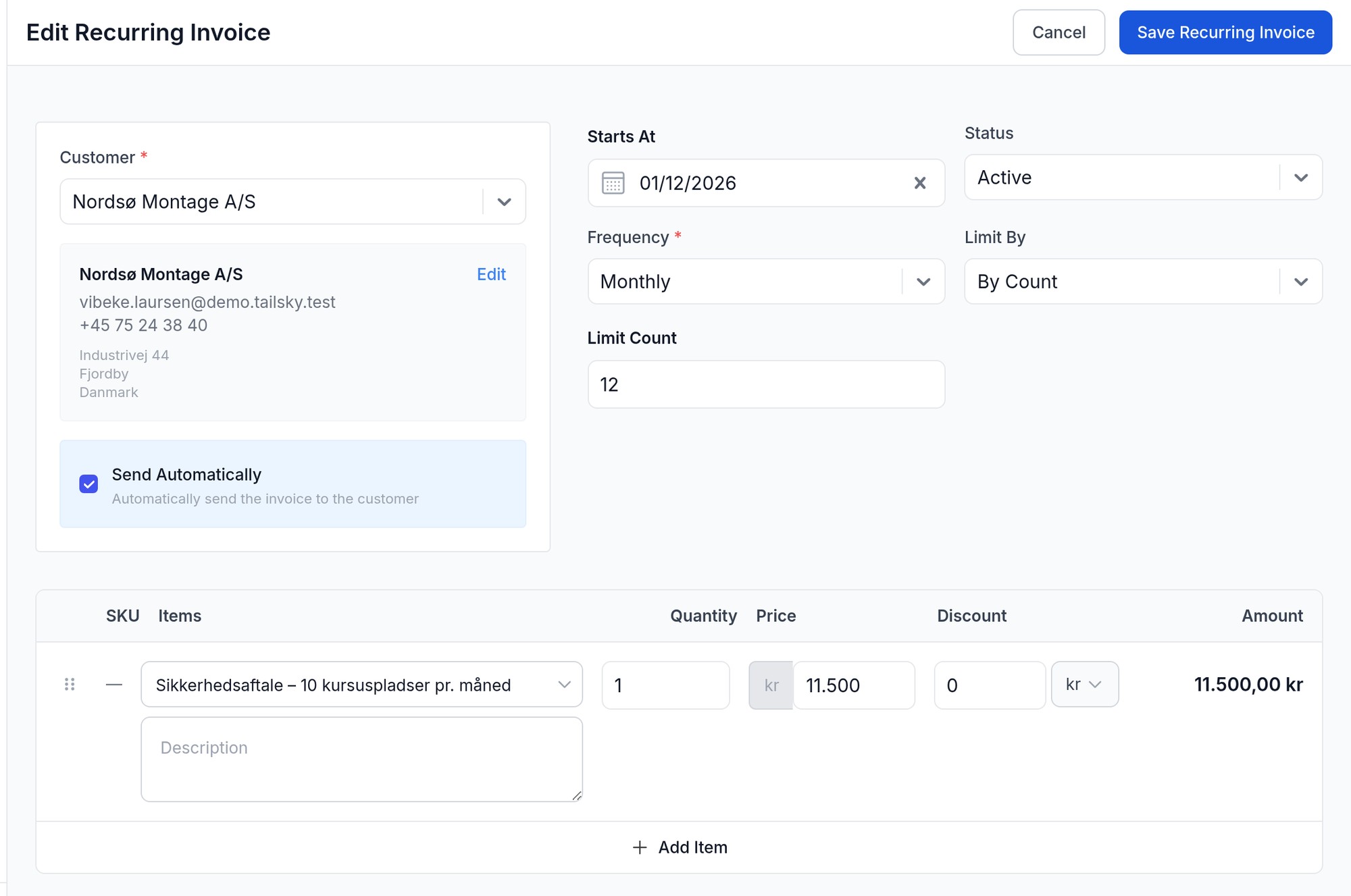
Bill customers wherever they are.
Each invoice has its own currency, and the PDF comes out in the language you set for the customer.
- Kroner, euro, dollars, pounds or any currency you add
- Exchange rates you set, or fetch from a rate provider
- The PDF in Danish or English, per customer
From customer to sent invoice in a few clicks.
Pick the customer, add lines from your price list and send. Taxes, discounts and totals are done for you.
- Lines from your own price list
- A quote becomes an invoice in one click
- Sent by e-mail with the PDF attached
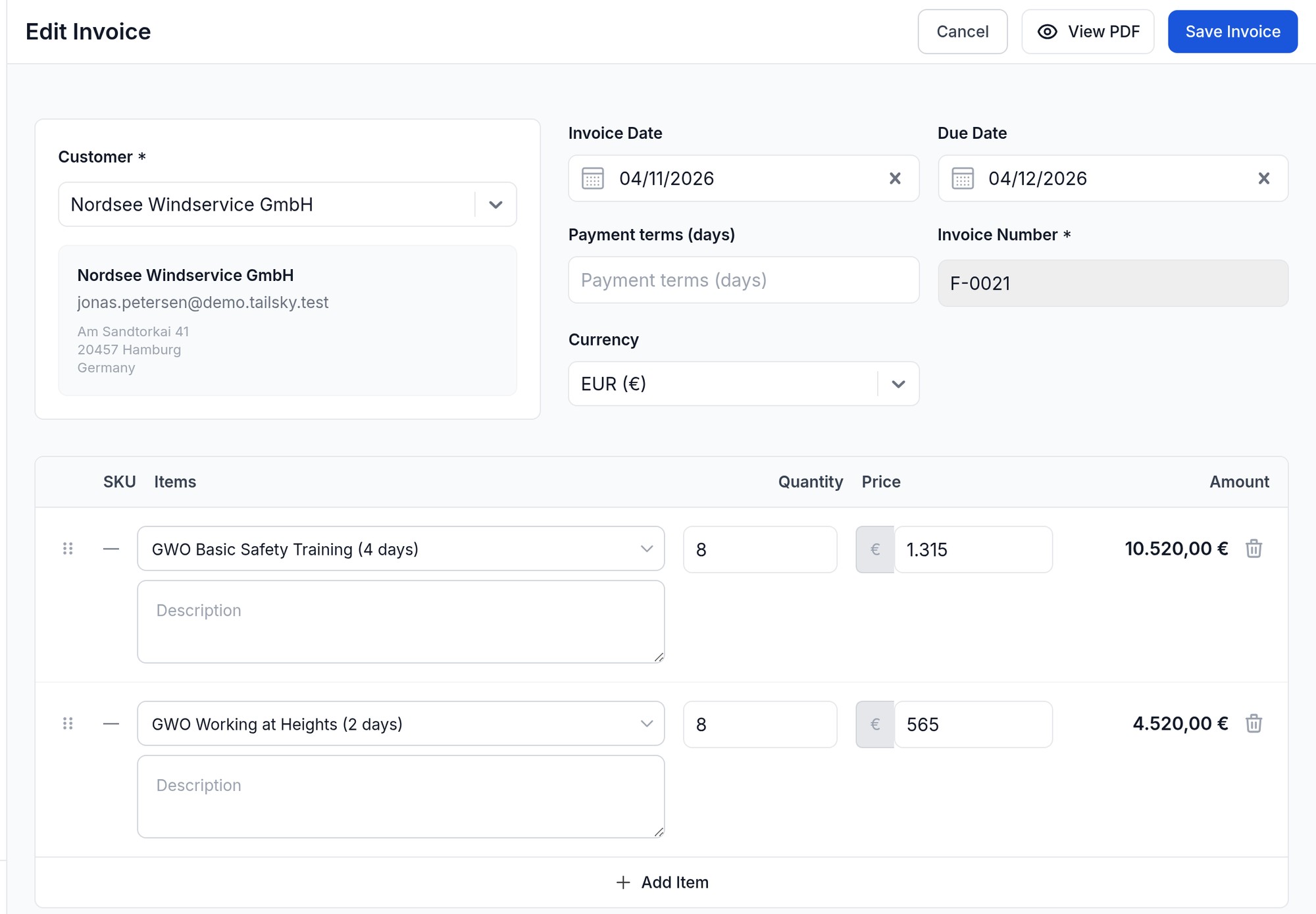
Set it once and bill every month.
Subscriptions, rent and service contracts bill themselves on the day.
- Weekly, monthly, quarterly, yearly or every N days
- Stops after a date or a number of invoices
- Sent by itself, or kept as a draft to check
Your logo, your layout, your words.
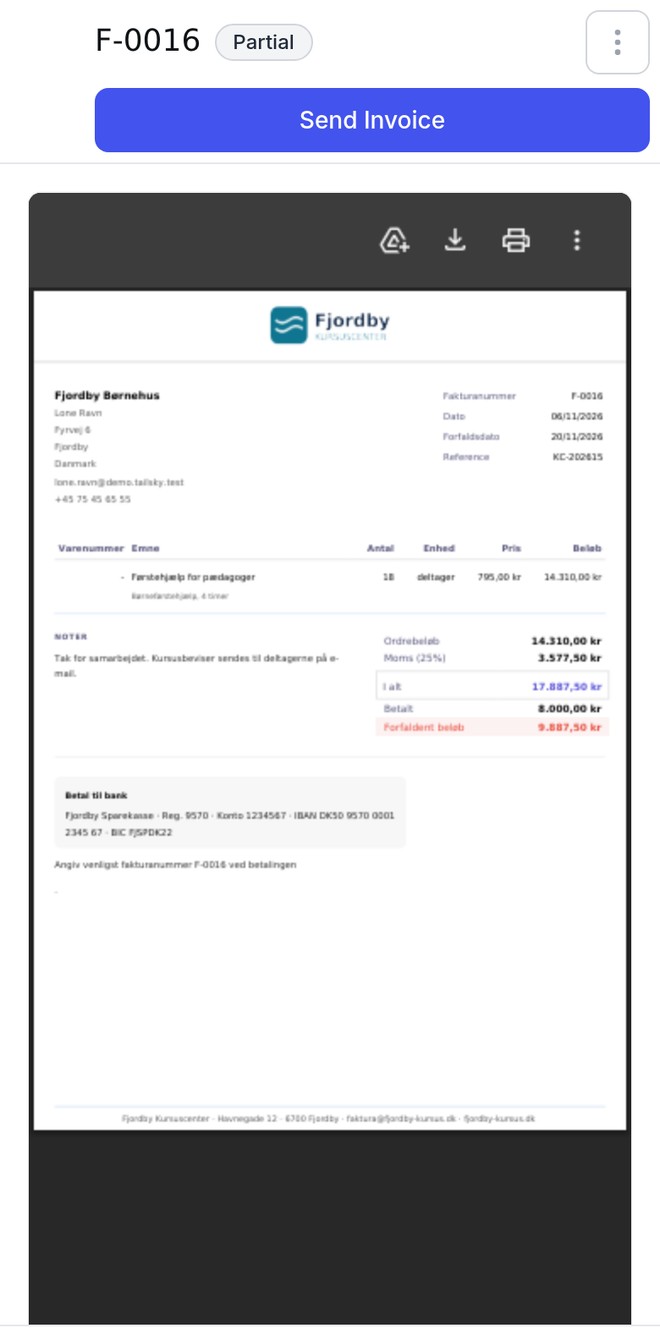
Choose the PDF template, the fields and the notes that go on every invoice.
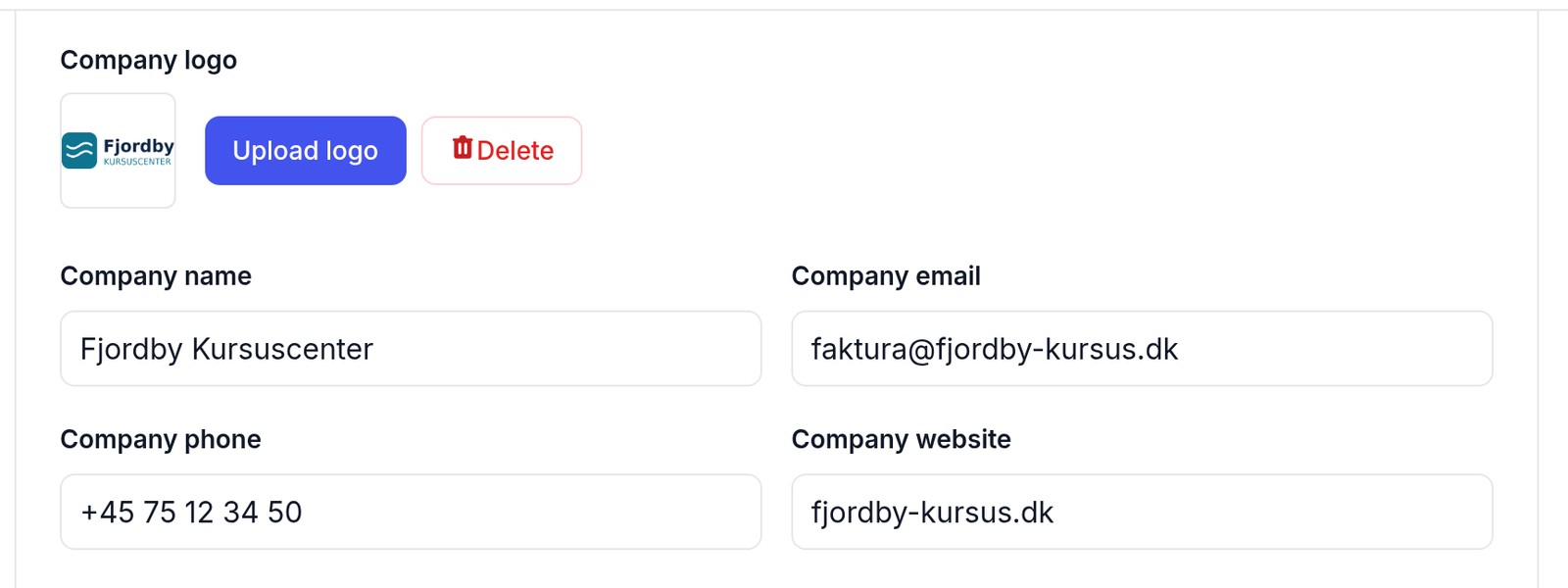
- Your logo, footer and bank details on every PDF
- Your own fields on invoices, quotes and customers
- Your own number series
Get paid the way your customers like to pay.
Let customers pay by card or MobilePay, record bank transfers and part payments, and keep the books in e-conomic.

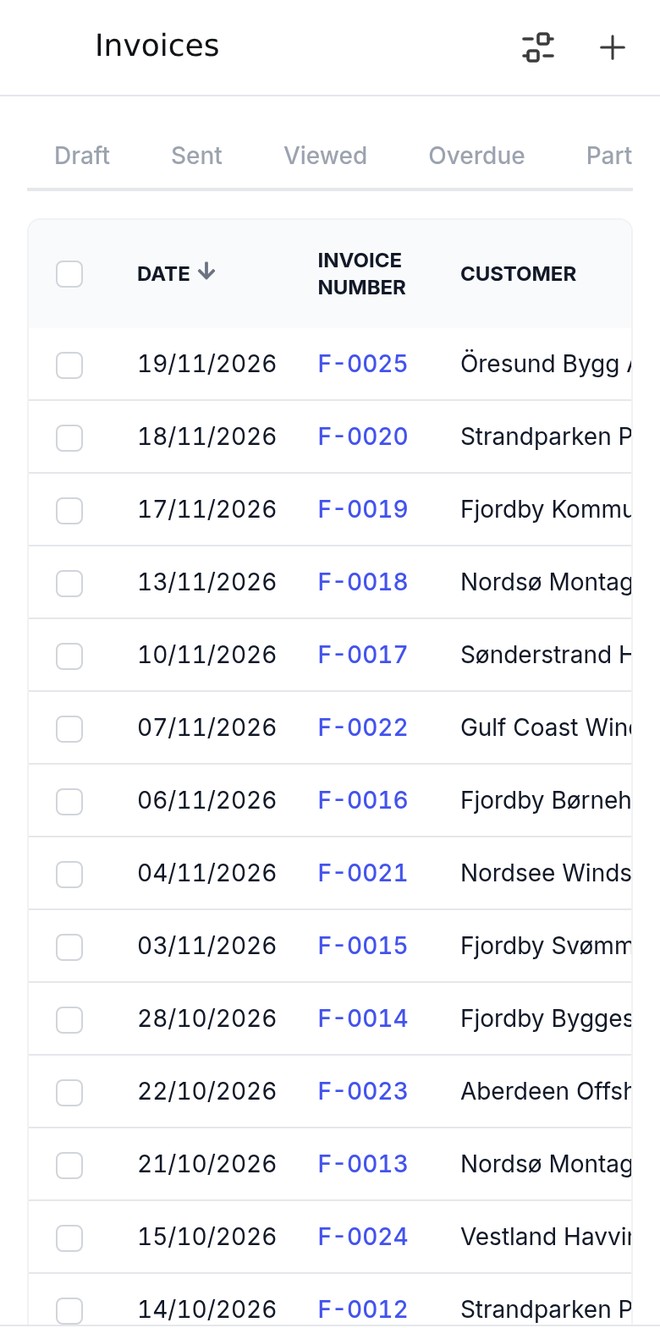
See what is paid and what is late.
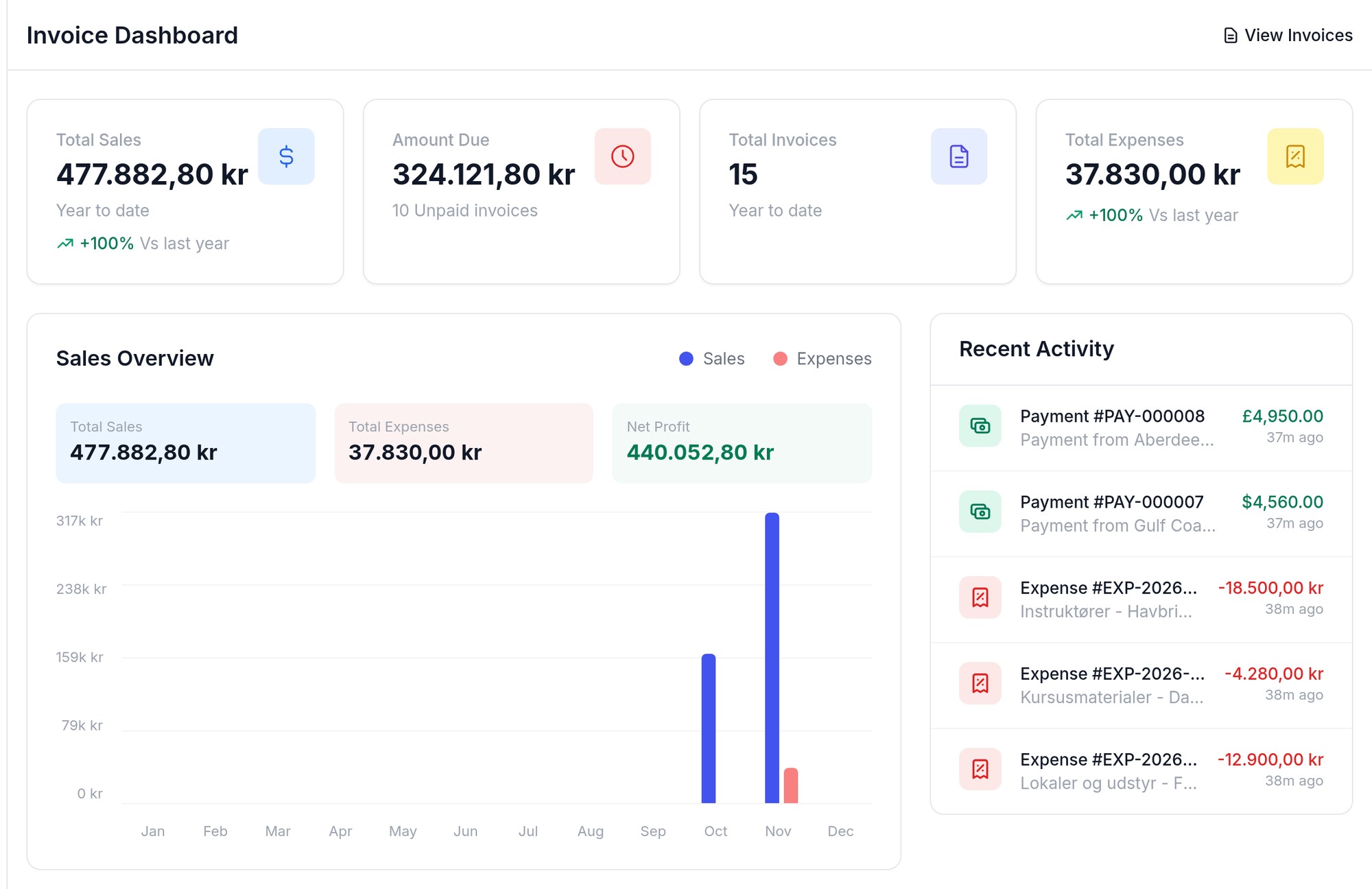
One dashboard for sales, money due and overdue invoices, and the reports your accountant asks for.
- Overdue invoices marked every day
- Sales, expenses and profit month by month
- Reports out as CSV or PDF
What people ask about invoicing.
Can I invoice in euro or dollars?
Yes. Each invoice has its own currency, with exchange rates you set or fetch from a rate provider.
Can the invoice be in my customer's language?
Yes. Set the language on the customer, and the PDF comes out in Danish or English.
Do recurring invoices go out by themselves?
Yes, if you want. Or they wait as drafts for you to check first.
Can my customers pay online?
Yes. Tailsky works with Stripe, Quickpay and MobilePay for card and mobile payments, and you record bank transfers on the invoice.
What can I give my accountant?
Sales, expenses, profit and loss, tax and aging reports as CSV or PDF, and your books can live in e-conomic.
Send your first invoice from Tailsky.
Tell us how you bill today. We set up a demo with your customers, prices and currencies and walk you through it.