
Slack
- A board posts its news to a Slack channel
- The team sees moves and comments where they talk
Plan the work on boards, give every task an owner and a deadline, and see at a glance what is done, what is late and what comes next.

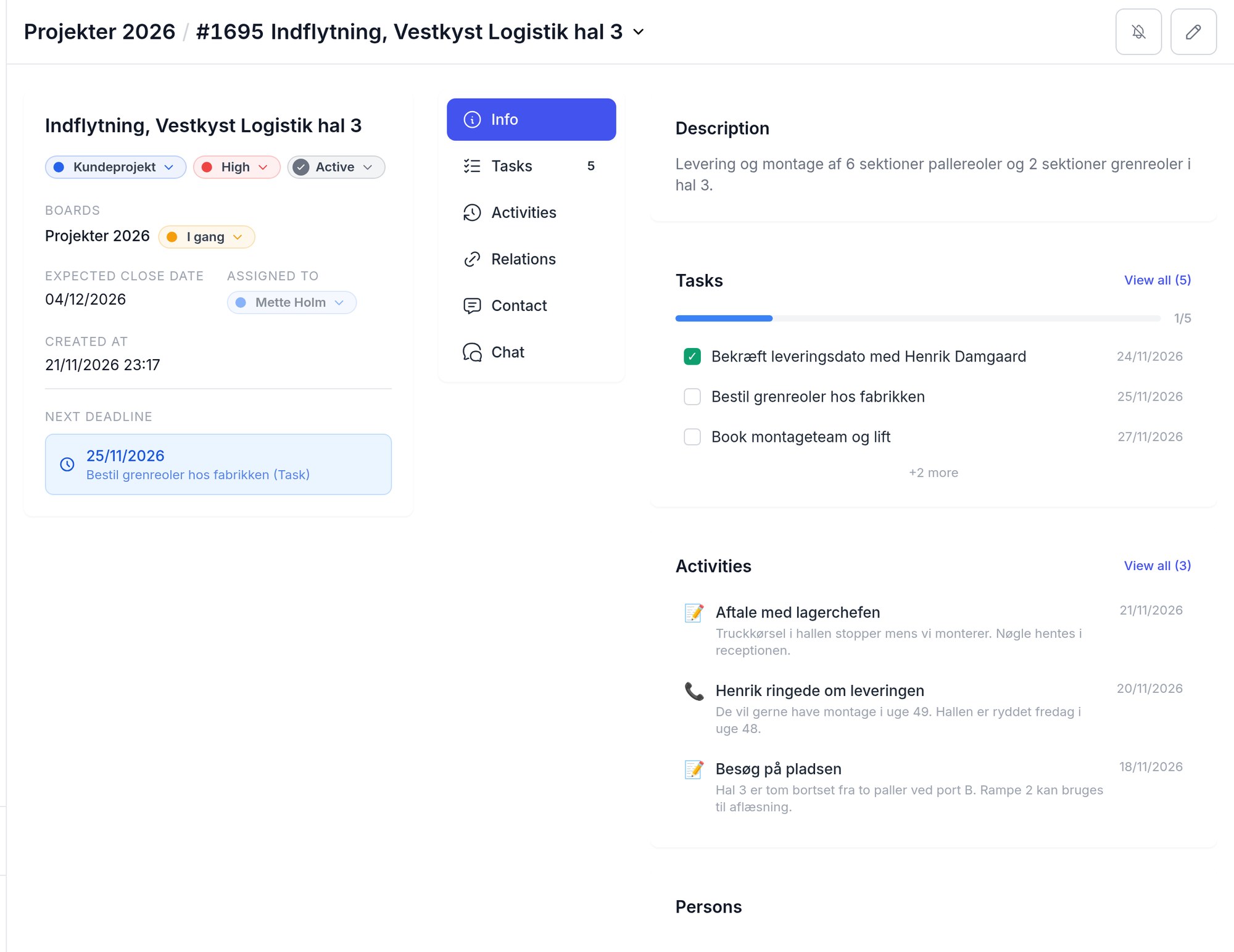
Give every team its own board with the steps you work in, and move the work along as it happens.
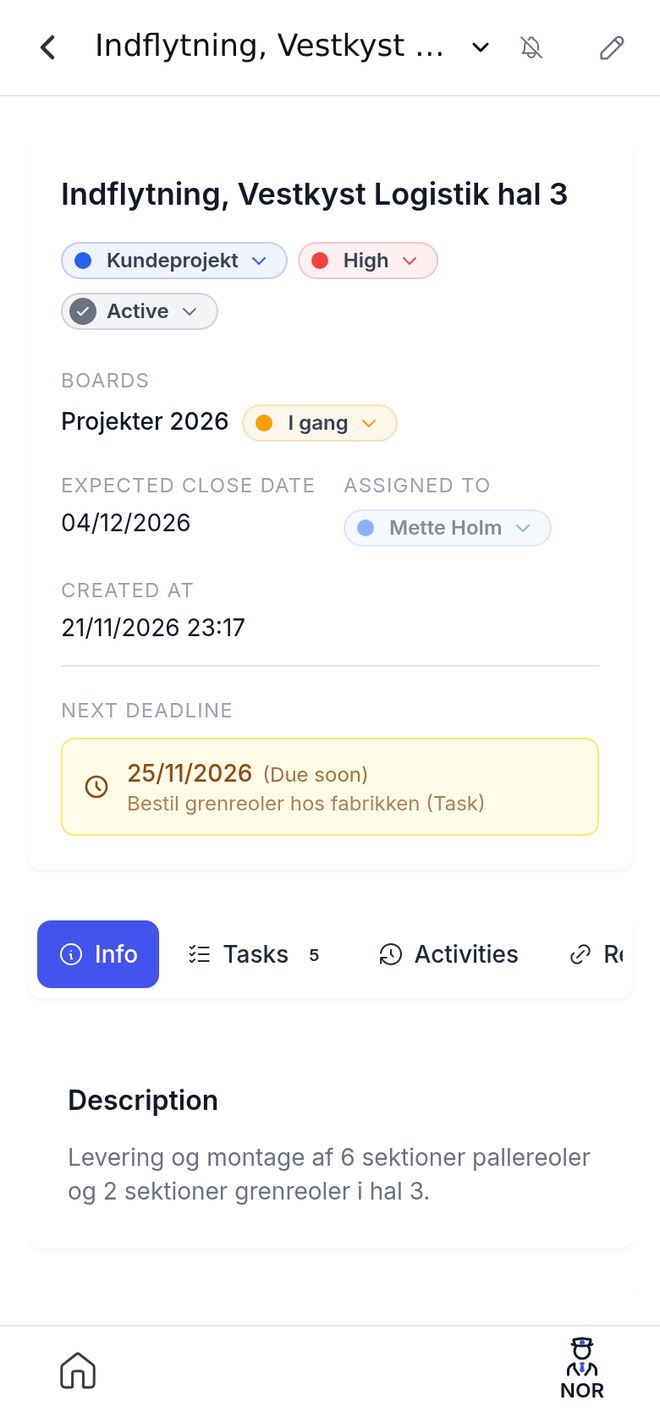
Owner, deadline, tasks and the latest notes are on one screen, so nobody has to ask where things stand.
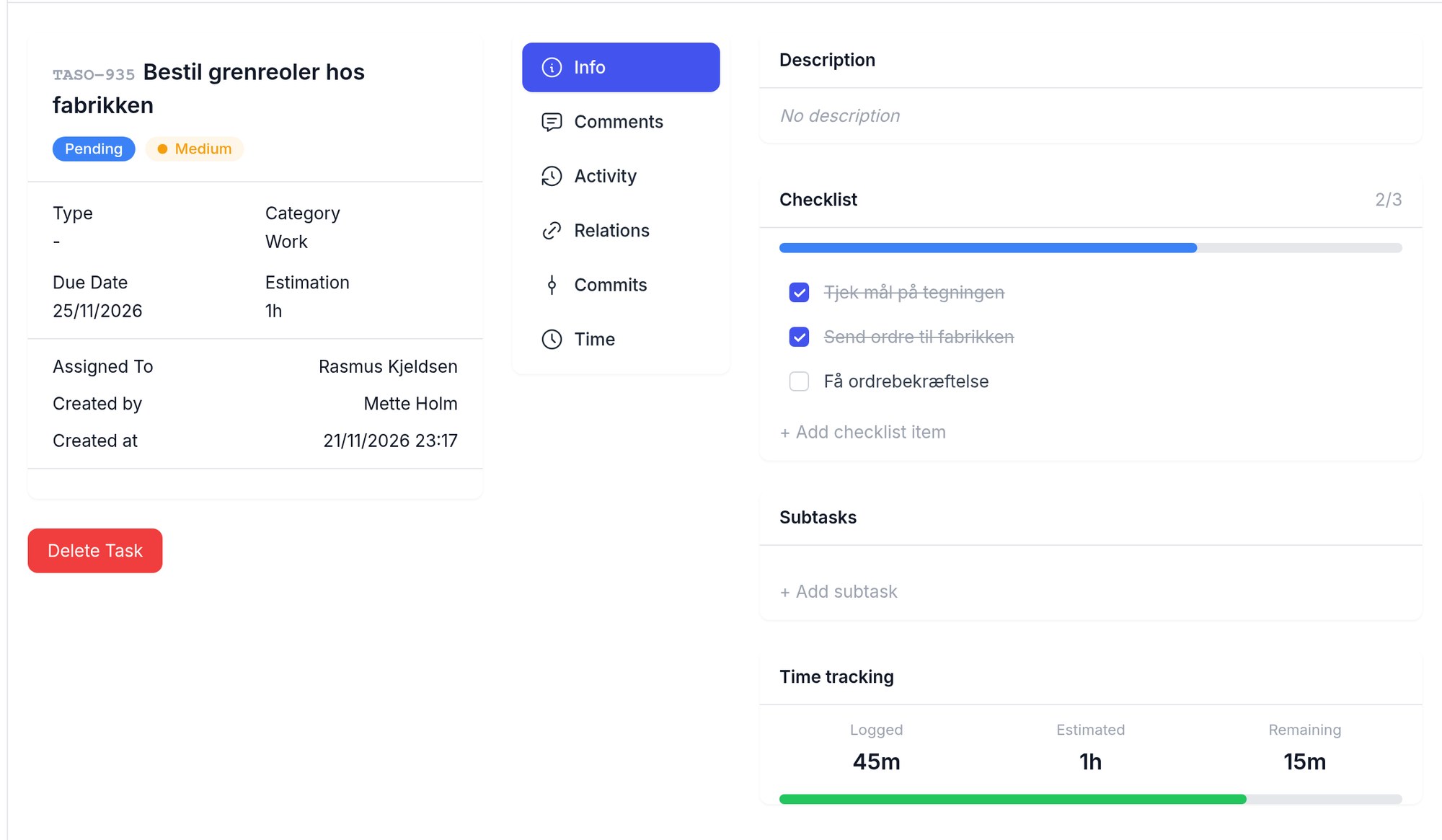
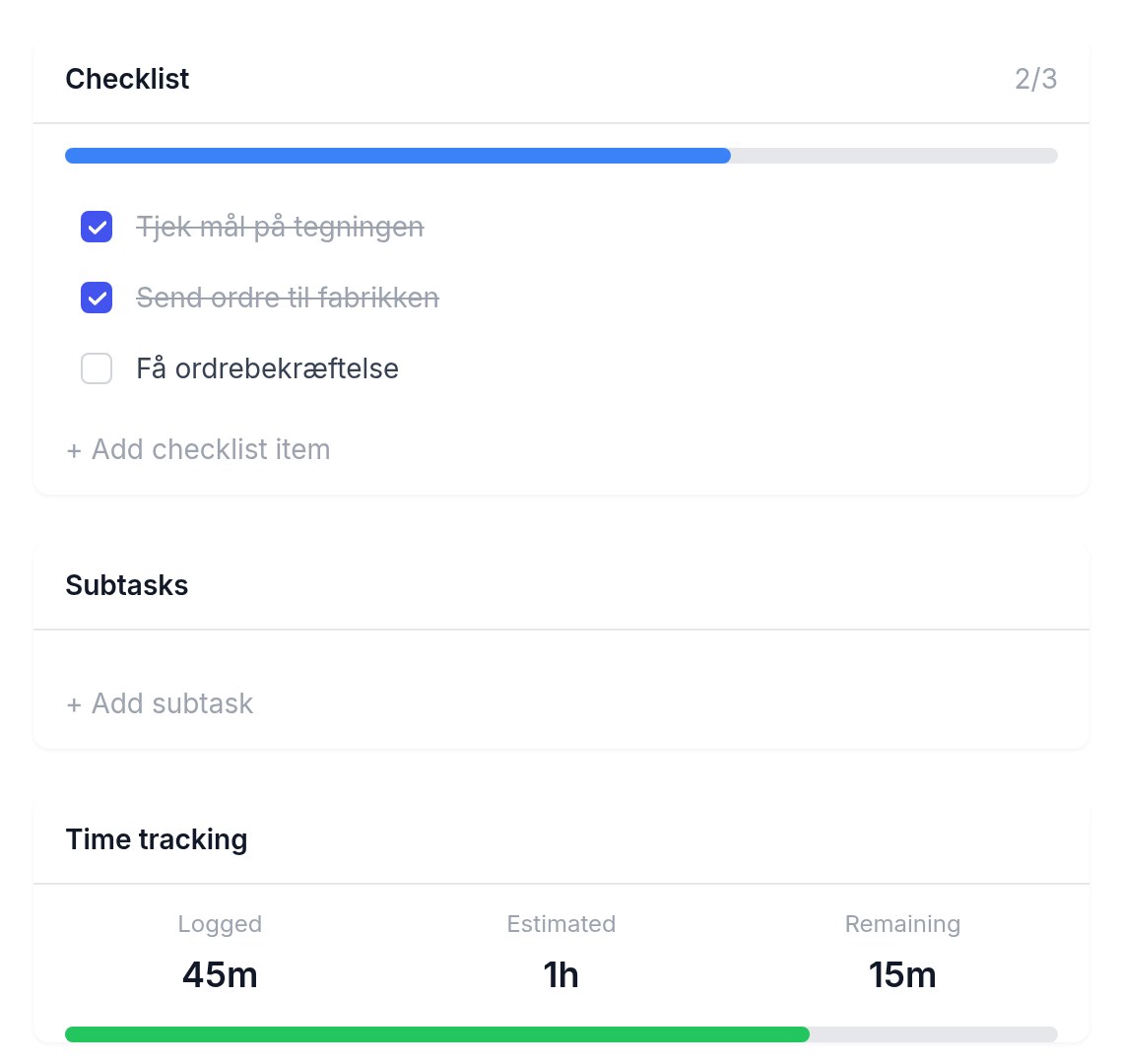
Break a project into tasks, give each one to a person, and tick off the steps as they get done.
Tasks done, time spent and time left are counted for you, on the card and on the board.
Calls, meetings and notes are kept on the project, with the date and who wrote them.
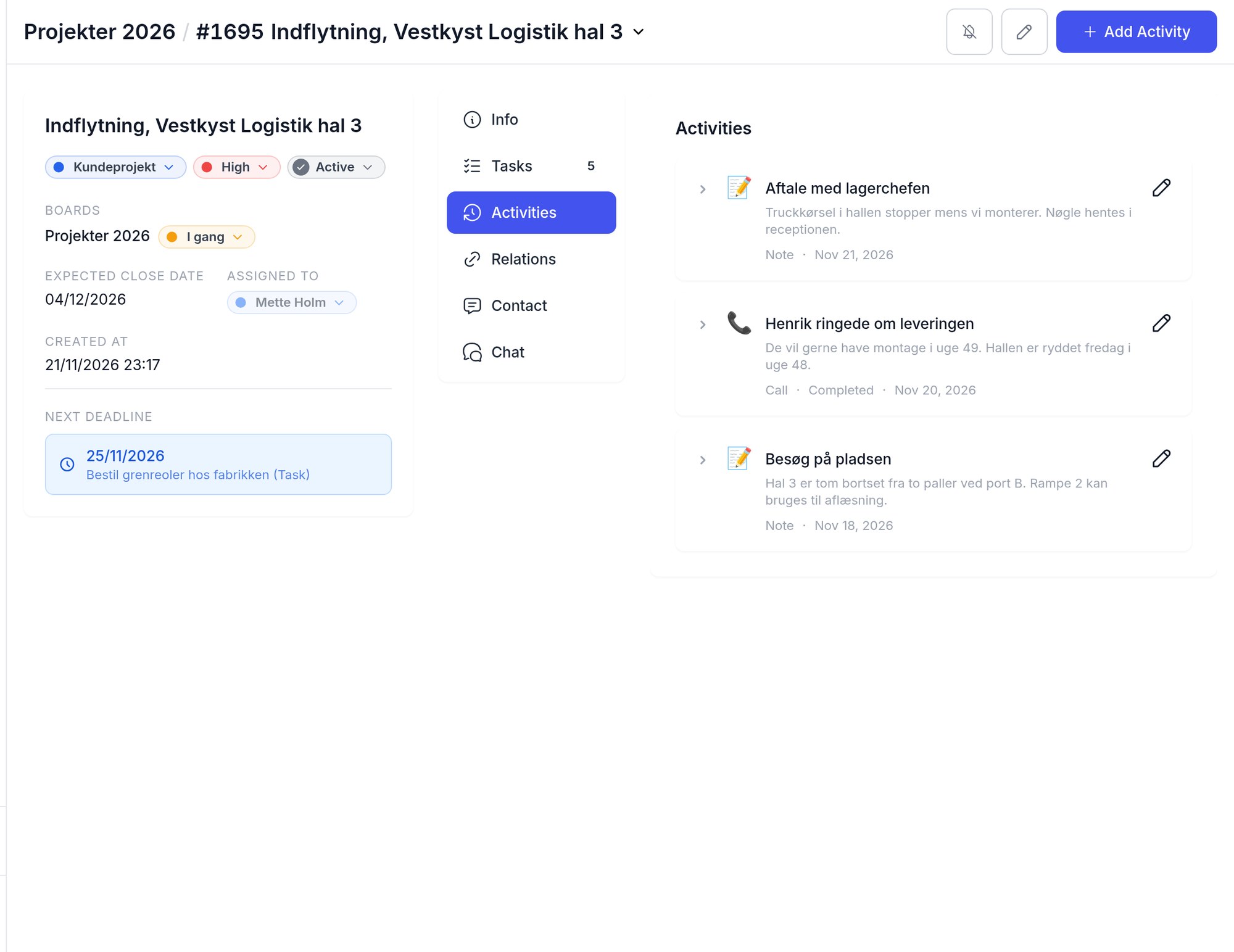
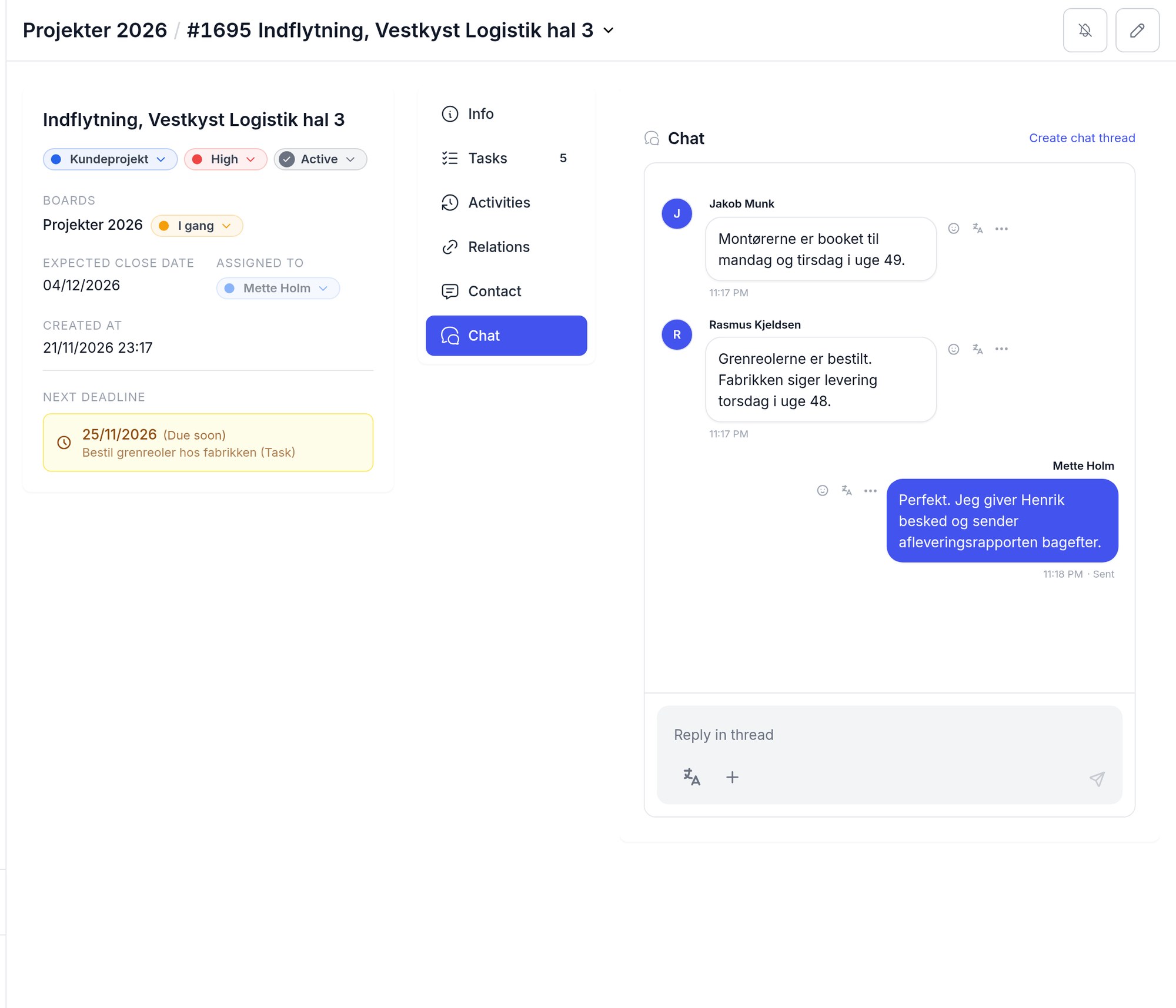
Each project has its own chat, and you hear about the changes you care about.
Yes. Make as many boards as you need, each with its own columns.
Yes. Cards and tasks show due today, tomorrow and overdue, and people get a notice before a deadline.
Yes. Start a timer on a task or add the time by hand, and compare it with the estimate.
On the project itself, as notes, calls and meetings with the date and who wrote them.
Yes. Boards, cards and tasks work on a phone, so the team can update them on the go.
Tell us how your team plans today. We set up a demo board with your steps and walk you through it.